Assembly Instructions#
Step-by-step guide for assembling the PQN polarimeter optomechanics.
1. Attach magnet to base#
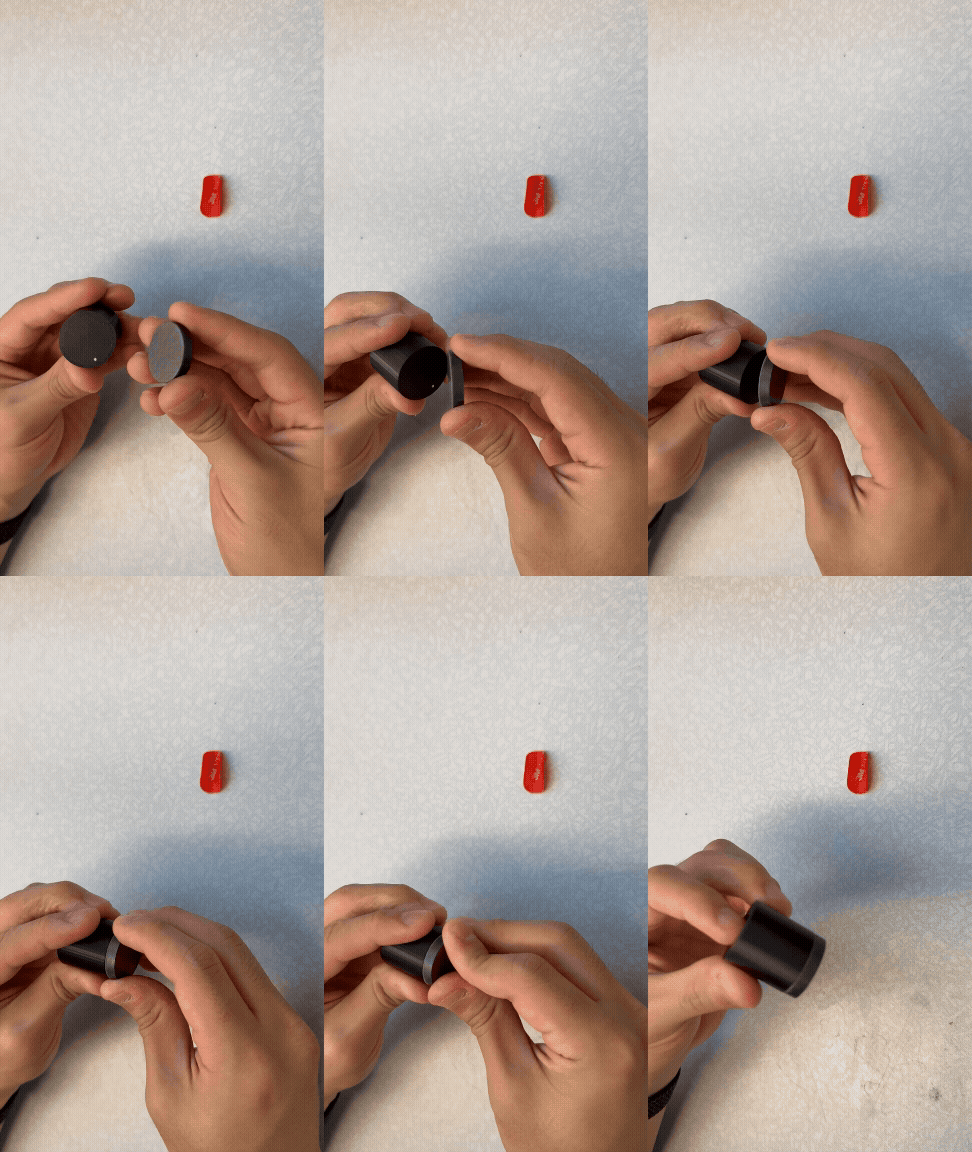
Apply an adhesive magnet to the bottom of the base.
2. Insert post into base#
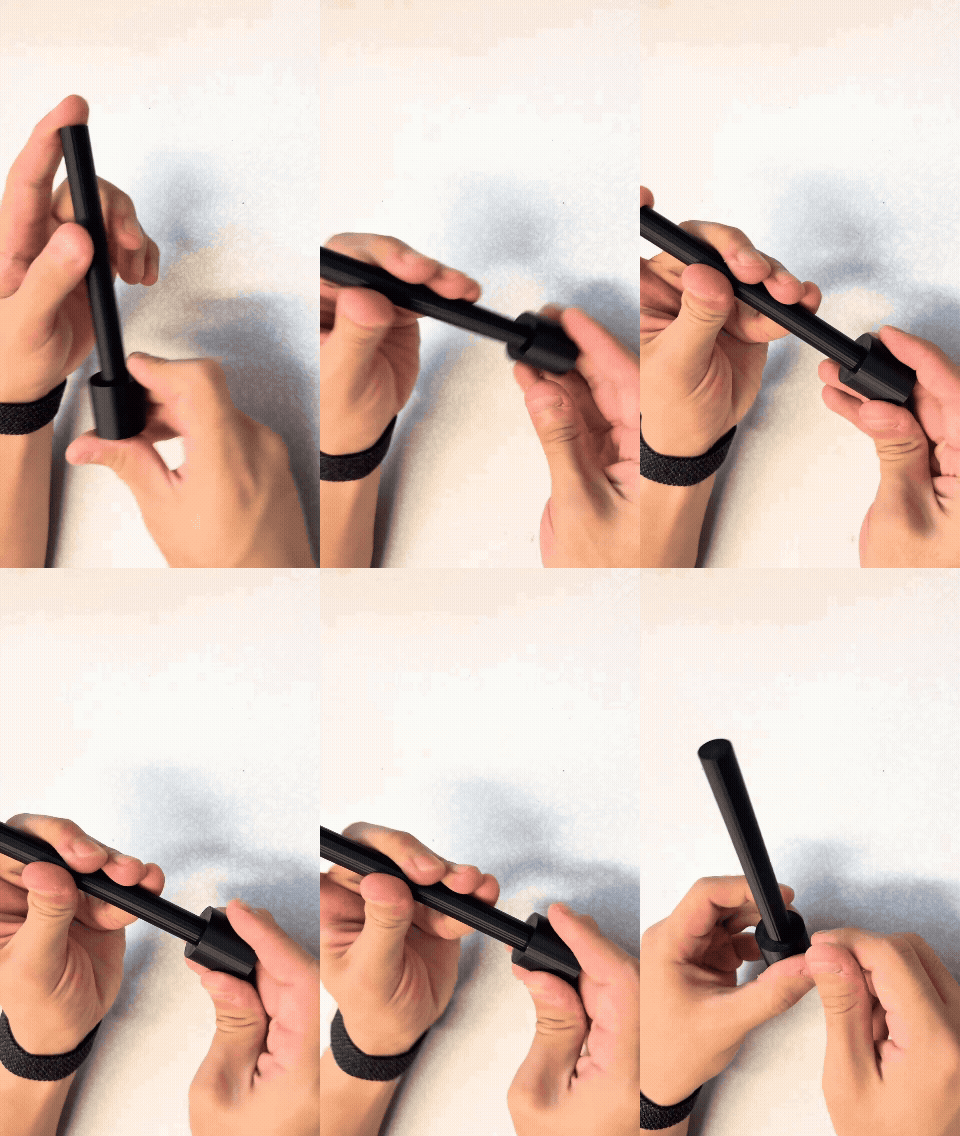
Apply gentle force to press the post into the base until it friction-fits securely.
3. Load polarizer or retardation film into mount#
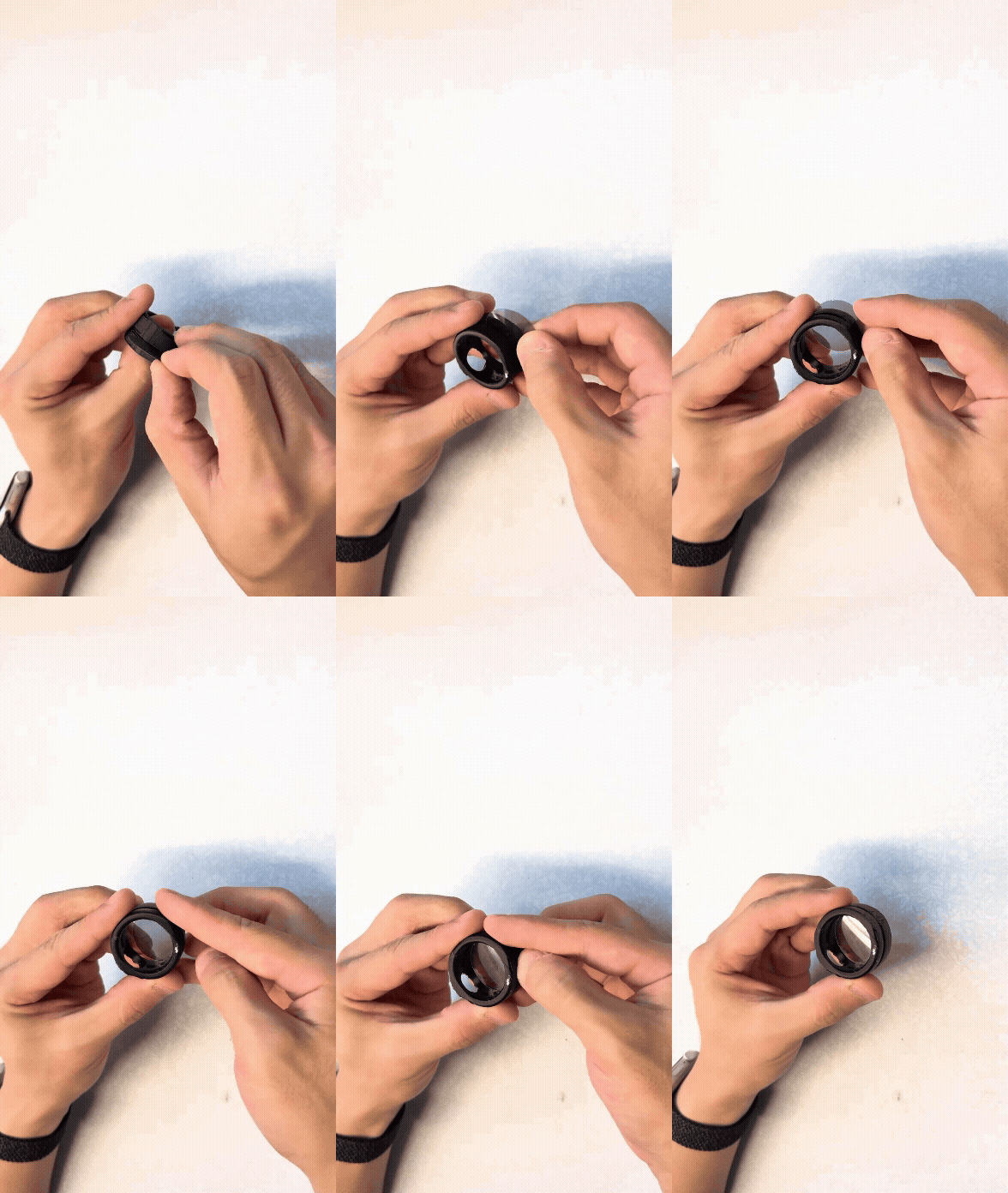
Cut the film to a 1-inch diameter. Slide it into the slot on the mount — the crack is sized to accept the film snugly.
Note: Characterize the optics to the desired polarization basis before mounting.
4. Load Fresnel lens into mount#
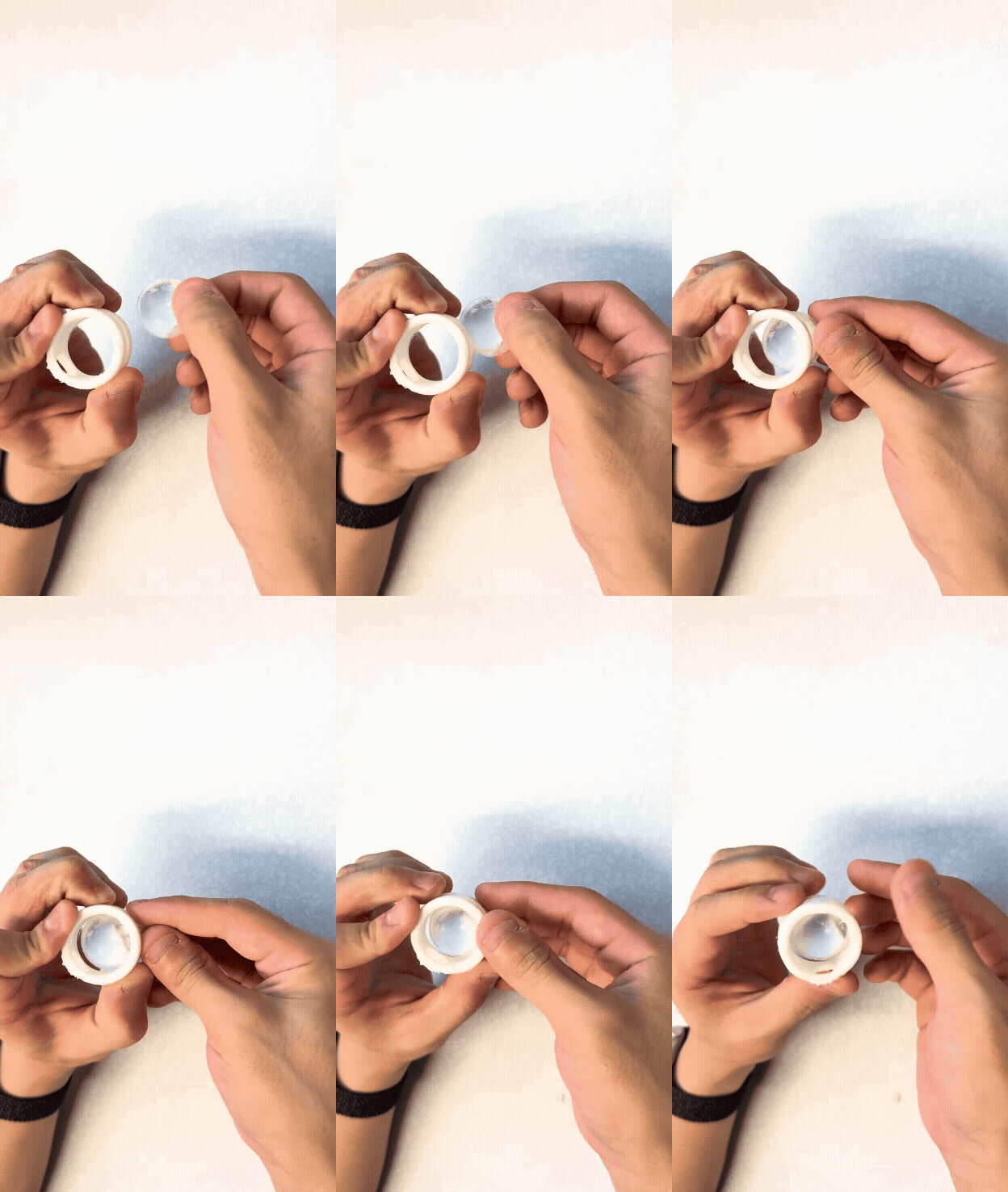
Open the mount slot and gently slide the lens in. The clamping filament holds the lens in place once seated.
5. Attach mirror to mount#
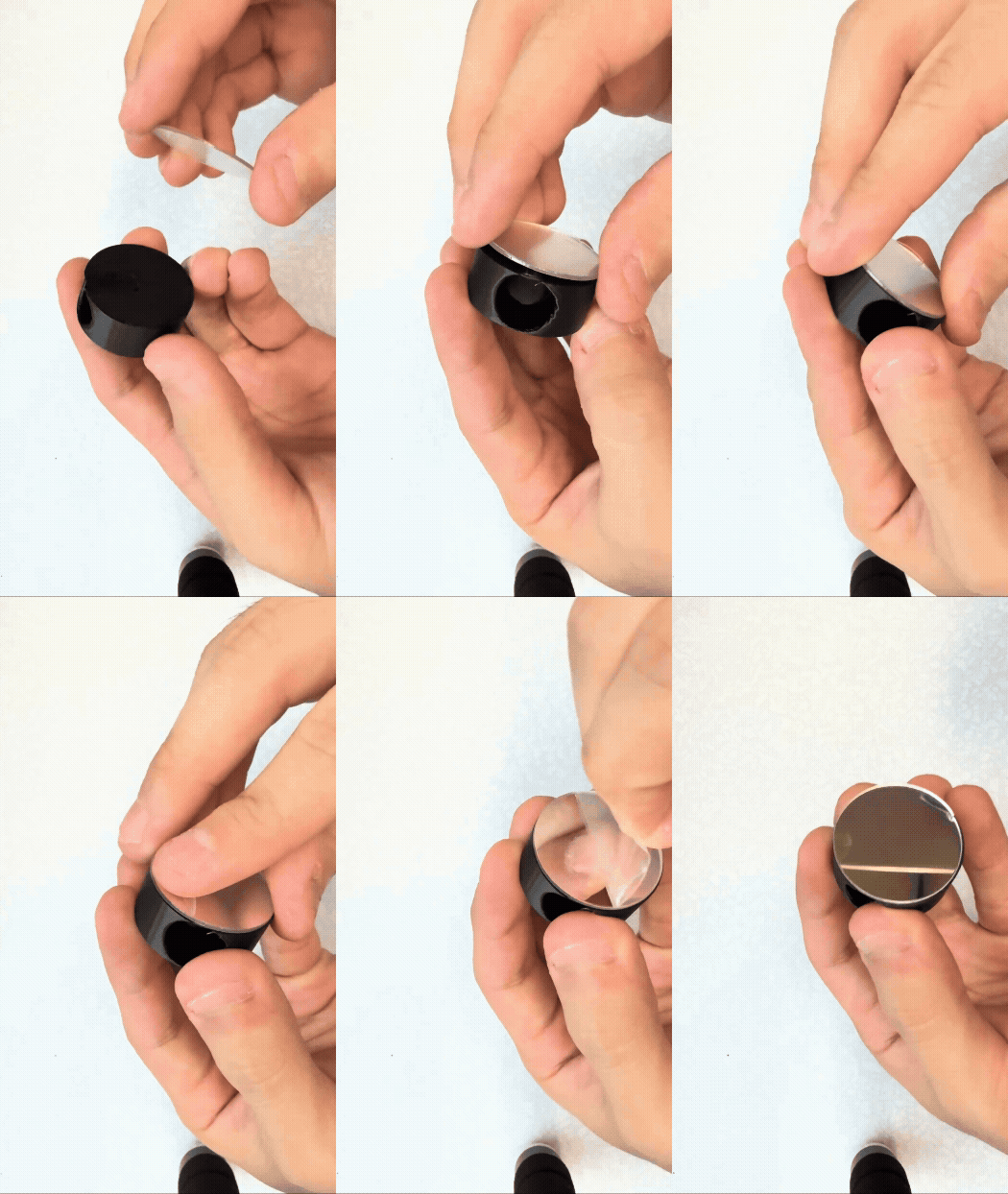
Press the adhesive side of the mirror against one face of the mount, then peel off the protective cover.
6. Insert laser into mount#
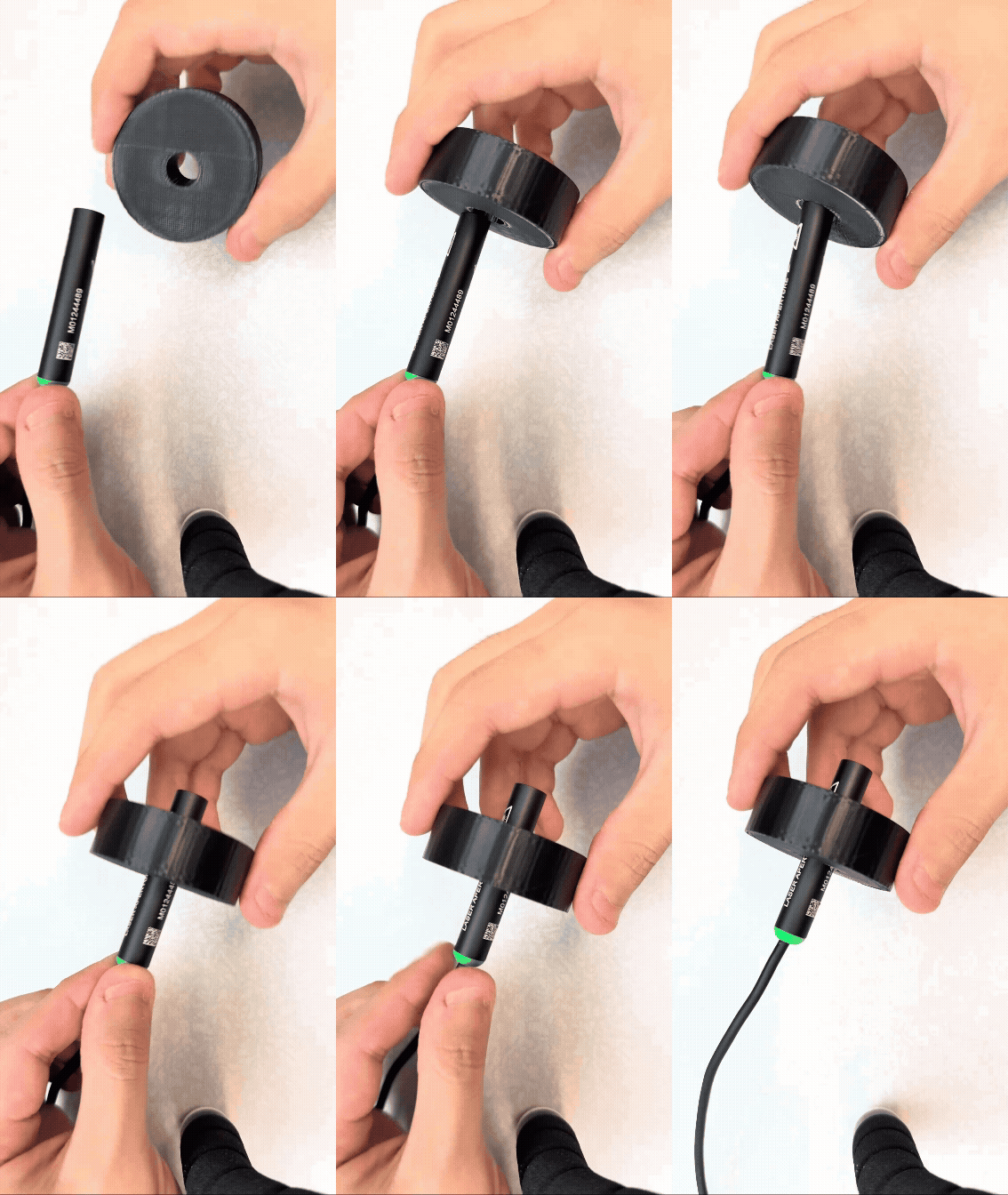
Push the laser (11 mm diameter) into the mount hole.
Tip: Apply a small amount of superglue for extra stability.
7. Attach beam splitter to mount#
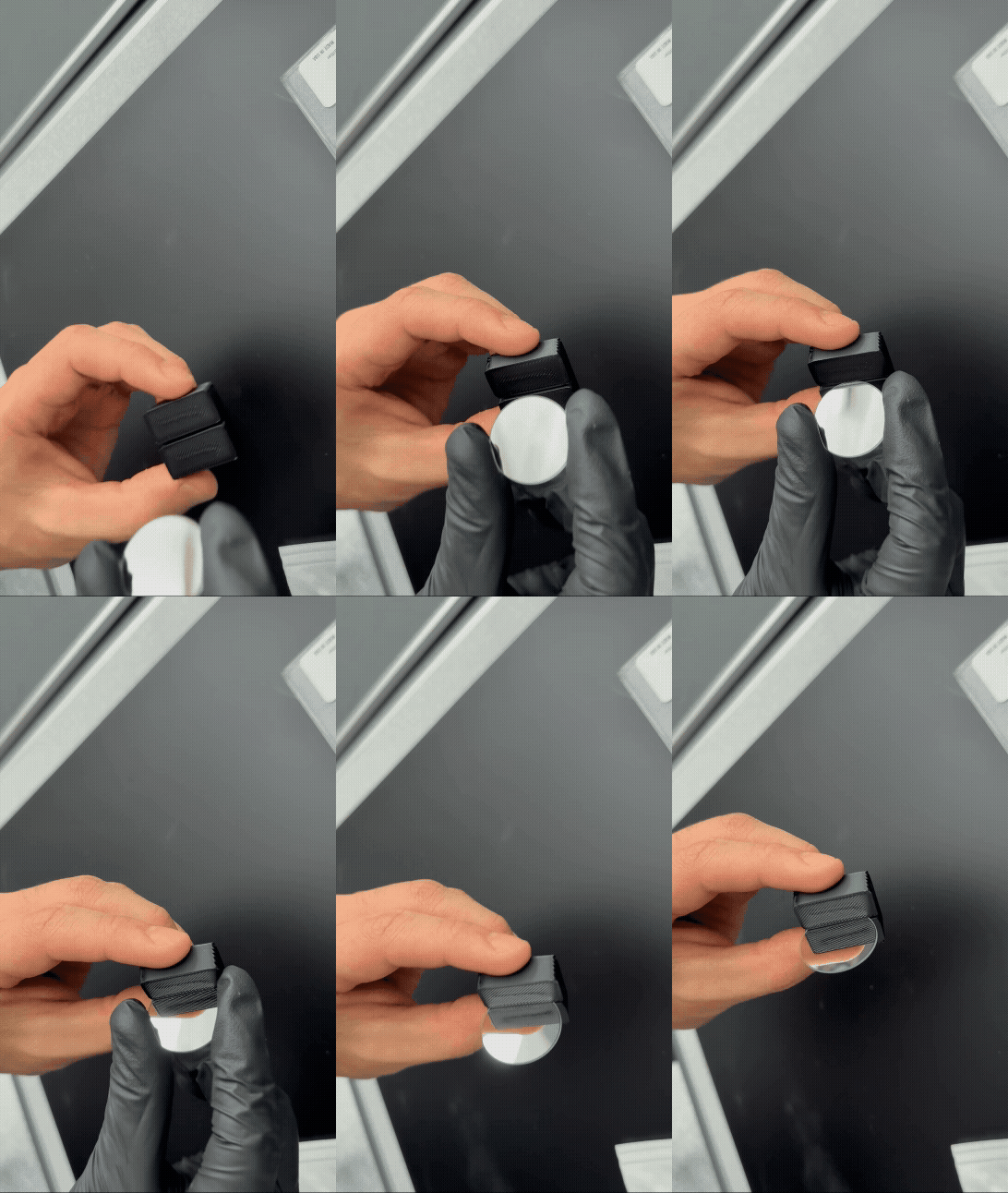
Slide the 1 mm beam splitter into the dedicated mount slot.
8. Attach any mount to a post#
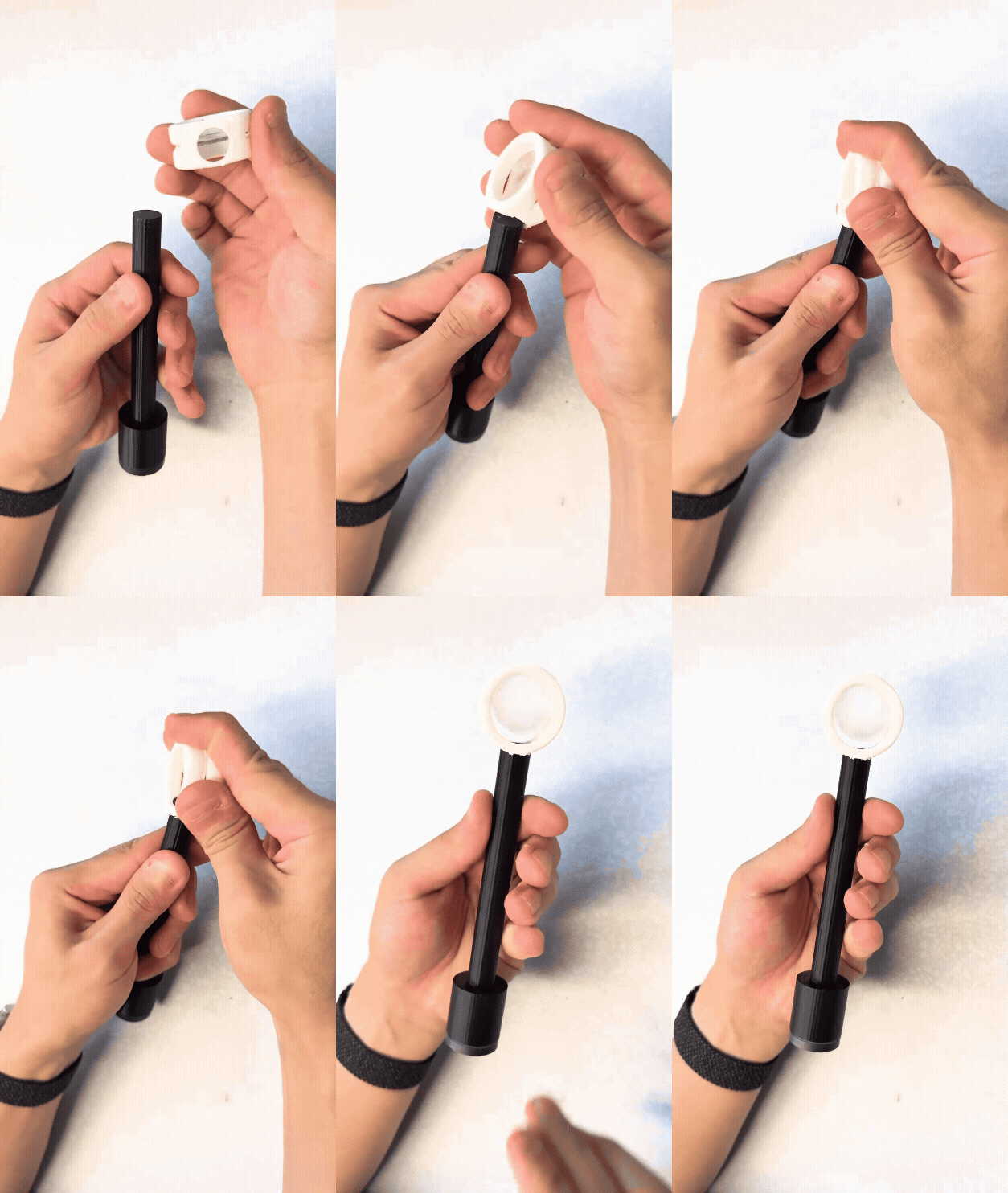
Press the mount’s hole onto a post with enough force until it seats firmly. This works with all mount types.